Answers to what students actually ask about matching, verification, and privacy.
How does the matching engine actually work?
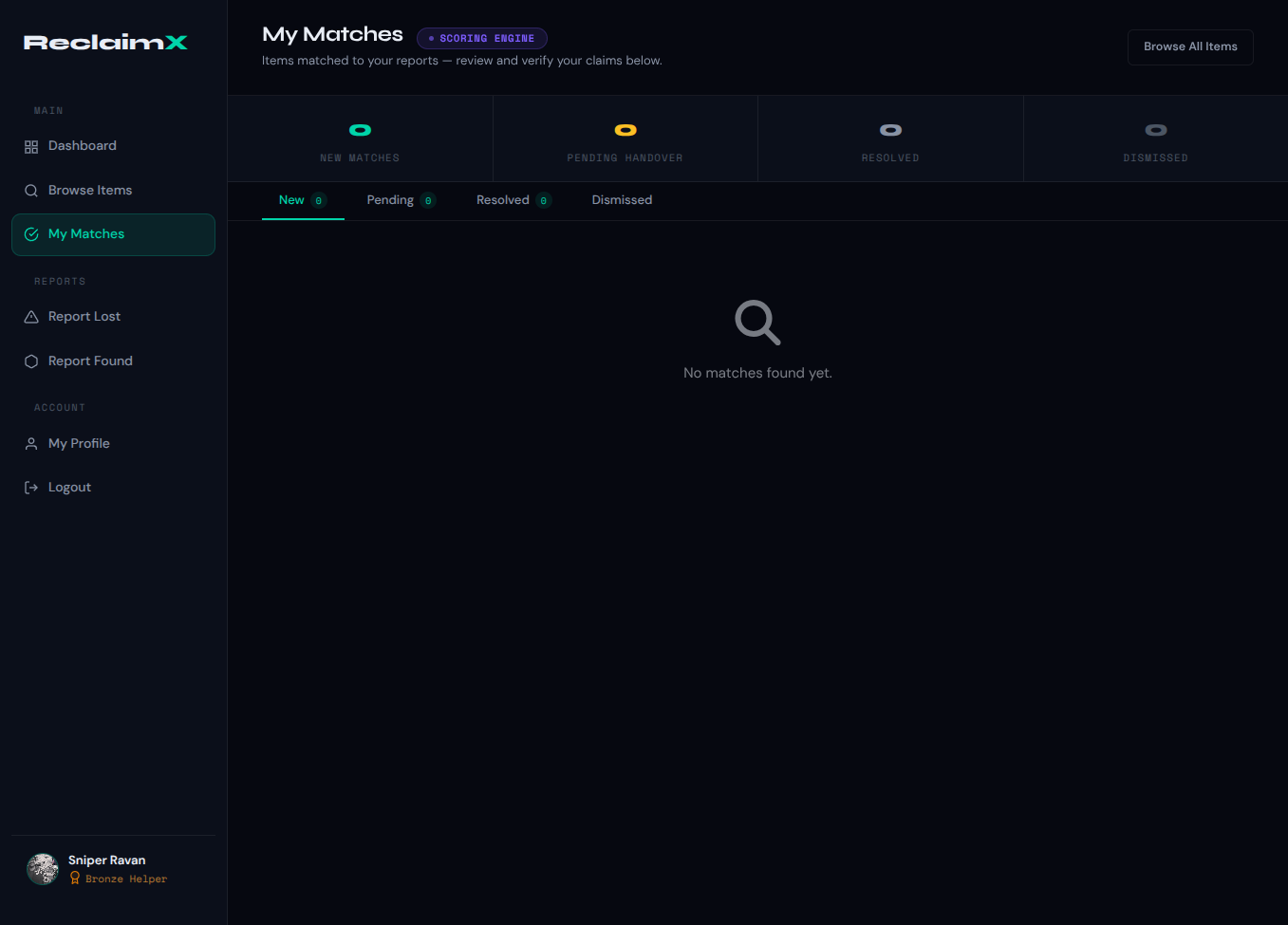
When a report is submitted, the engine scores it against every open opposing report on the
same campus with the same category. The score is a weighted combination of: text similarity (40%), image
presence signal (30%), location token overlap (20%), and time decay (10%). A score of 40 or above creates a
match claim. Campus and category must match exactly — no cross-campus matching.
What are the 3 verification questions?
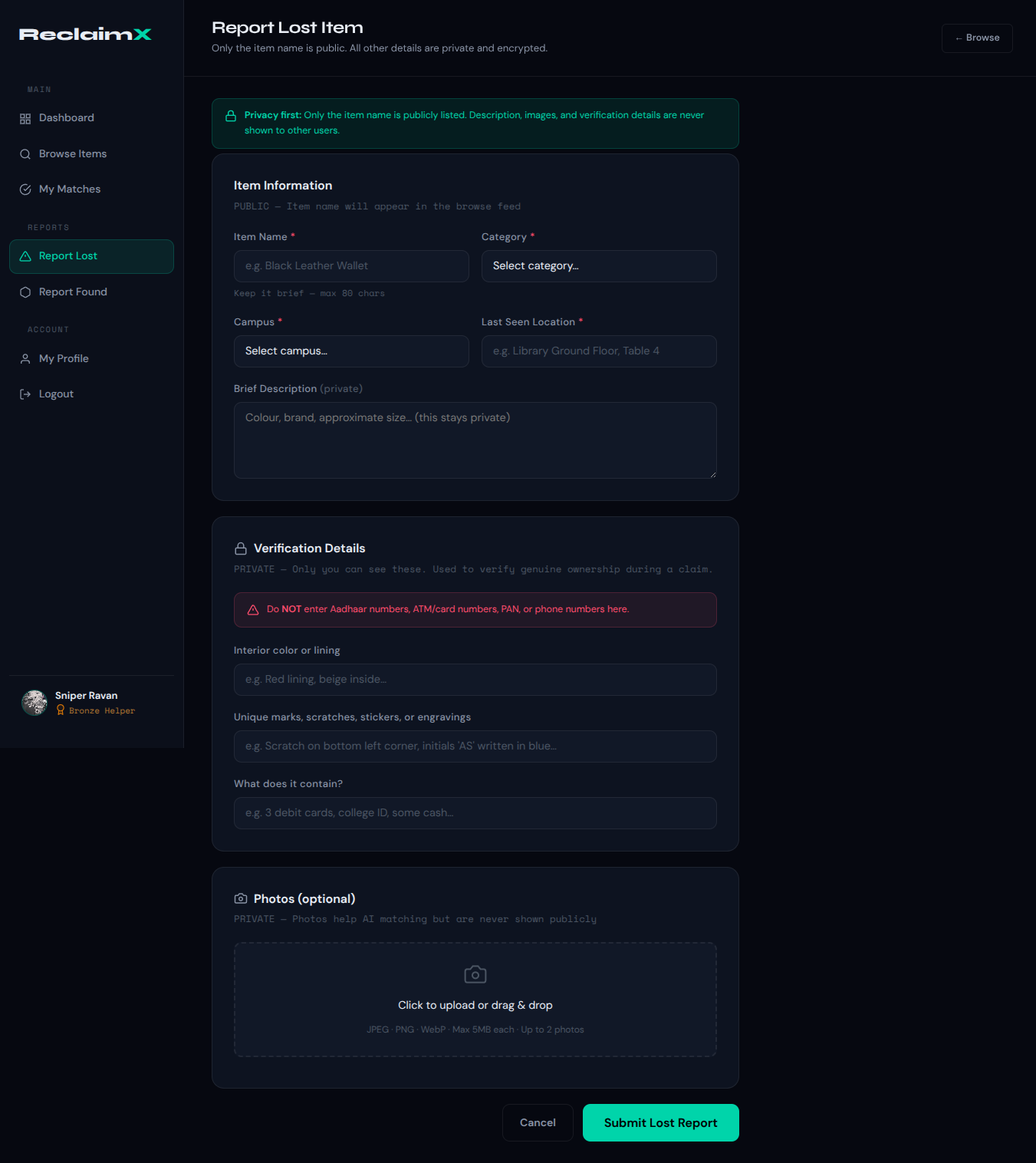
The questions are generated from 3 private fields you fill in when reporting a lost item:
interior colour or lining, unique marks/scratches/stickers/engravings, and what the item contains. These are
never shown publicly. The claimer's answers are compared using Jaccard word similarity — 60% or above is a
pass. Wrong answers below 60% count as failed attempts. 3 failures trigger account suspension and fraud
logging.
What information is publicly visible?
Only the item name is publicly visible in the browse feed. Your description, photos, hidden
verification attributes, and contact information are never shown to any other user. Images are stored
privately on Cloudinary and are only used internally by the scoring engine for the image presence signal.
How does campus isolation work?
Every lost and found report stores a campus_id field. The matching engine only queries
items where campus_id matches exactly. There is no cross-campus matching. Students on Campus A will never
see or be matched with reports from Campus B. This is a query filter, not a separate database — adding new
campuses requires no schema changes.
Can I be scammed or impersonated?
The verification system is specifically designed to prevent this. Since only you know the
hidden attributes (interior colour, unique marks, contents), anyone trying to falsely claim your item would
fail the 3-question verification. Three failed attempts suspend the account and log the fraud. There is no
way to pass verification without knowing the private details you stored when reporting.
Does ReclaimX work on mobile?
Yes. ReclaimX is a Progressive Web App (PWA). You can install it on Android or iOS from the
browser — no app store needed. It works offline: reports submitted without a network connection are queued
in IndexedDB and automatically synced when you reconnect.
Is there a cost for students or campuses?
ReclaimX is completely free for students. There are no subscriptions, no premium tiers, no
ads. It is an academic final year project. Adding a new campus requires only a new campus_id value — no
infrastructure cost or admin setup.
What data does ReclaimX store about me?
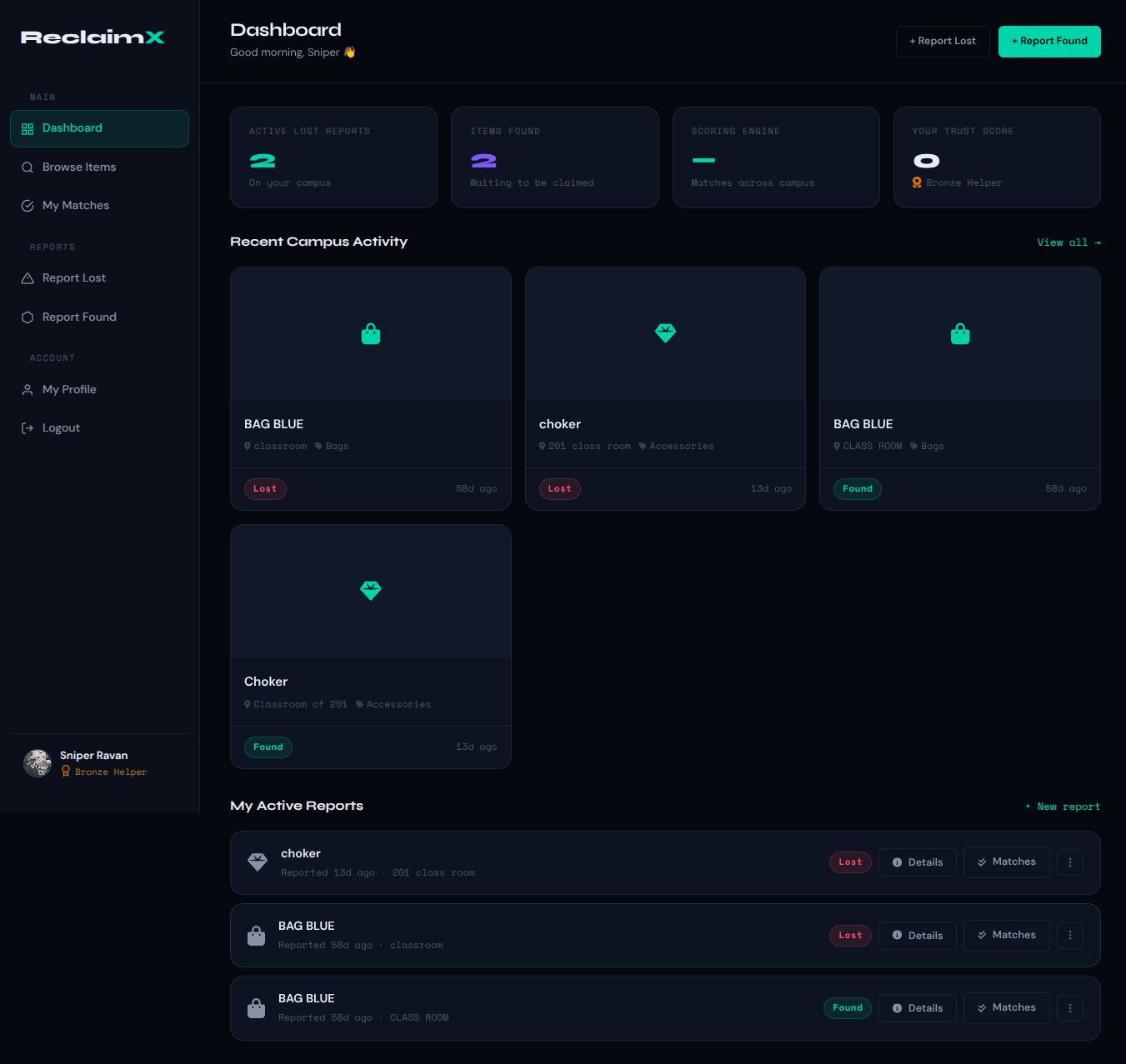
ReclaimX stores your name, email, campus, trust score, and submitted reports. Report data
includes the item name, category, location, description, and hidden verification attributes. Photos are
stored on Cloudinary. Firebase handles authentication — ReclaimX only stores the Firebase UID, not your
password. Sensitive data like Aadhaar numbers, PAN, and card numbers are actively filtered from
descriptions.